
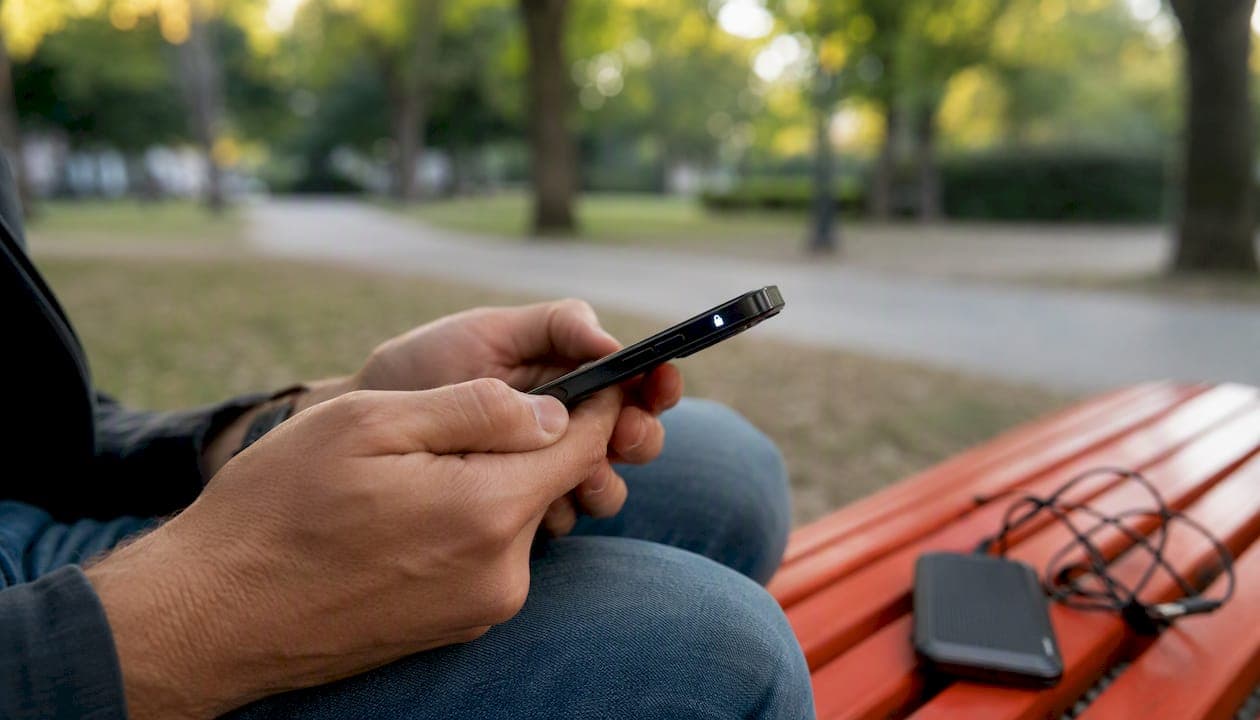
Yes, you can make end-to-end encrypted mobile voice calls today. The technology exists, it works on both iOS and Android, and several options are free. The fastest path for most people is a dedicated app like Signal, which uses the Signal Protocol to encrypt voice calls so that only you and the person you're calling can hear the conversation. No server in the middle can decode it.
Your best immediate options:
- Signal (iOS and Android, free, cross-platform E2EE by default)
- WhatsApp (iOS and Android, free, E2EE calls and messages by default)
- FaceTime (Apple devices only, E2EE for one-to-one and group calls)
- Google Fi Wireless (carrier-level E2EE for Android-to-Android Fi calls automatically)
CISA recommends using vetted secure messaging apps with E2EE and VoIP functionality as the baseline for private mobile communications. That guidance applies to individuals and organizations alike.
Key Takeaways
End-to-end encrypted mobile calls are available today through apps like Signal and WhatsApp, carrier-level features like Google Fi, and platform-native options like FaceTime — but encryption alone is not enough without verification and policy enforcement.
| Point | Details |
|---|---|
| E2EE apps are your fastest option | Signal, WhatsApp, and FaceTime provide E2EE calls by default; both parties need the same app. |
| Carrier-level E2EE exists | Google Fi automatically encrypts one-to-one Android-to-Android calls with a lock icon as confirmation. |
| Metadata is always exposed | Call logs, timing, and routing data leak even on fully encrypted calls — plan accordingly. |
| Verification closes the MITM gap | Compare safety numbers or security codes out-of-band to confirm you're talking to the right person. |
| Eisim for organizational control | Eisim's cellular profile platform helps IT teams enforce approved calling configs, VPN policies, and audit compliance across a managed device fleet. |
Table of Contents
- How do encrypted mobile calls actually work?
- How to make encrypted calls on iOS and Android right now
- What encryption does not protect — and where real risks hide
- Which protocols secure your calls, and how do you verify the connection?
- How organizations should enforce encrypted calling across a team
- The real priority most teams get wrong
- Eisim helps your organization deploy secure mobile communications
- Sources
How do encrypted mobile calls actually work?
End-to-end encryption (E2EE) means encryption keys live only on the communicating devices. No intermediate server holds a key that could decrypt your call. That is the critical difference from in-transit encryption, where a server decrypts and re-encrypts traffic as it passes through, meaning the service provider can technically access the content.
Most encrypted mobile calls travel over VoIP (Voice over Internet Protocol) rather than the traditional cellular voice circuit. Apps like Signal, WhatsApp, and FaceTime establish an encrypted VoIP channel over your data connection. The media itself is protected by DTLS-SRTP (Datagram Transport Layer Security over Secure Real-Time Transport Protocol), while signaling (call setup, routing) is secured by TLS, which provides encryption, integrity, and authentication for client-server communications.
Carrier-level E2EE works differently. Google Fi automatically encrypts one-to-one calls between eligible Android phones on the Fi network, with a lock icon and a unique ringtone confirming the encrypted state. The encryption happens at the carrier layer, not the app layer, so no separate app is required for Fi subscribers calling each other.
Traditional cellular voice (2G/3G/4G circuit-switched calls) uses over-the-air encryption between your phone and the cell tower, but the carrier network itself can access the call content. That is not E2EE. Metadata — who called whom, when, for how long, and from which cell tower — is logged regardless of which model you use.
How to make encrypted calls on iOS and Android right now
Choosing the right option
Before picking an app, consider three factors:
- Interoperability: Does your contact use the same app? Signal requires both parties to have Signal. FaceTime requires both to be on Apple devices.
- Metadata exposure: All apps log some metadata. Choose based on how much you trust the provider.
- Ease of use: WhatsApp and FaceTime have near-zero setup friction. Signal requires a phone number but no additional account.
iOS: using FaceTime and Signal
FaceTime on iOS uses E2EE for audio and video calls between Apple devices. Open the FaceTime app, select a contact, and tap the audio or video button. No settings toggle is needed — E2EE is on by default for supported calls. For cross-platform calls (iOS to Android), FaceTime is not an option; use Signal or WhatsApp instead.
To use Signal on iOS: download Signal from the App Store, verify your phone number, and tap the phone icon on any contact's profile. Signal will automatically use an encrypted VoIP call. Grant microphone permission when prompted.
Android: Signal, WhatsApp, and Google Fi
On Android, Signal and WhatsApp both provide E2EE calls out of the box. Install either from the Google Play Store, complete phone number verification, and call any contact who has the same app installed.
For Google Fi subscribers, E2EE activates automatically on one-to-one Android-to-Android Fi calls when both phones meet eligibility requirements. Watch for the lock icon on the call screen and listen for the distinct ringtone that confirms encryption is active. No extra configuration is needed.
Check these permissions on Android before your first encrypted call: microphone access for the calling app, Wi-Fi calling enabled if you're on a weak cellular signal, and no VPN that might block the app's media ports.
Pro Tip: To confirm a call is encrypted, compare the security code or emoji string shown in the app with your contact verbally or via a separate channel. Signal displays a safety number; WhatsApp shows a security code you can scan as a QR code or read aloud. If the codes match, you're talking to the right person on an encrypted line.
When both parties can't use the same app
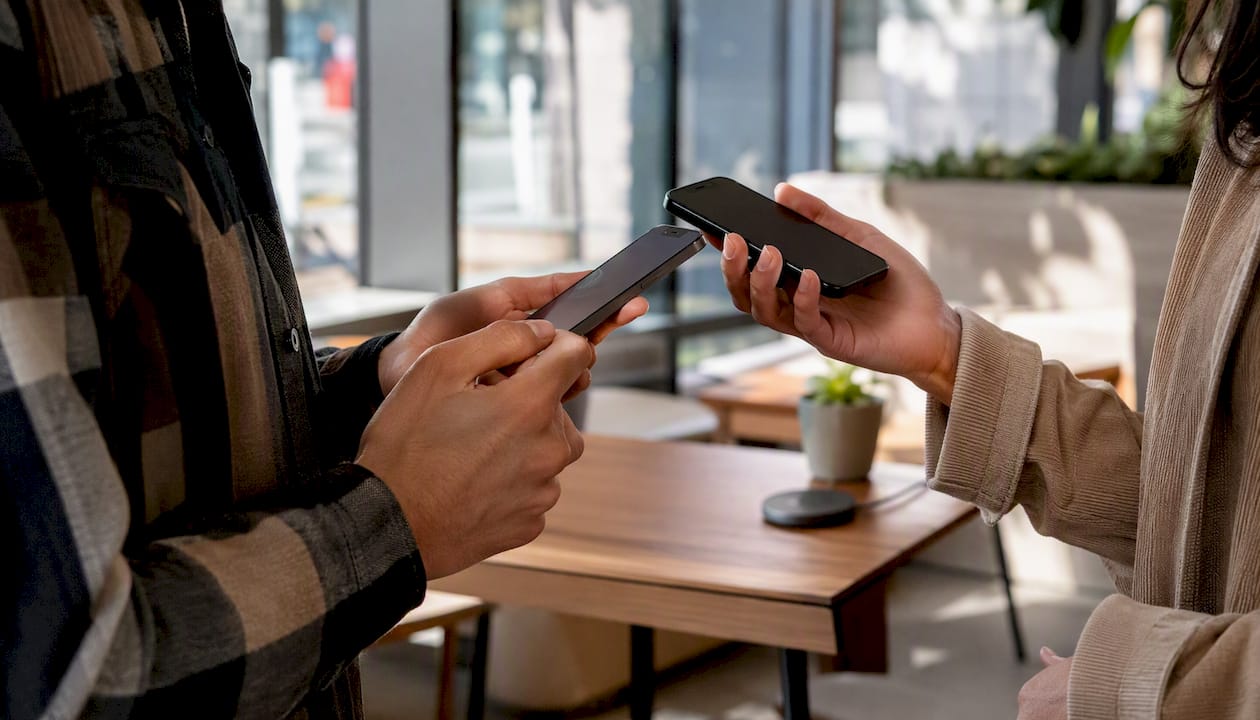
If your contact can't install your preferred app, your call will fall back to standard carrier voice, which is not E2EE. Plan ahead: agree on a shared app before a sensitive conversation. For organizations, this means publishing an approved-app list so teams know what to use before a call is needed.
What encryption does not protect — and where real risks hide
E2EE protects call content. It does not protect everything.
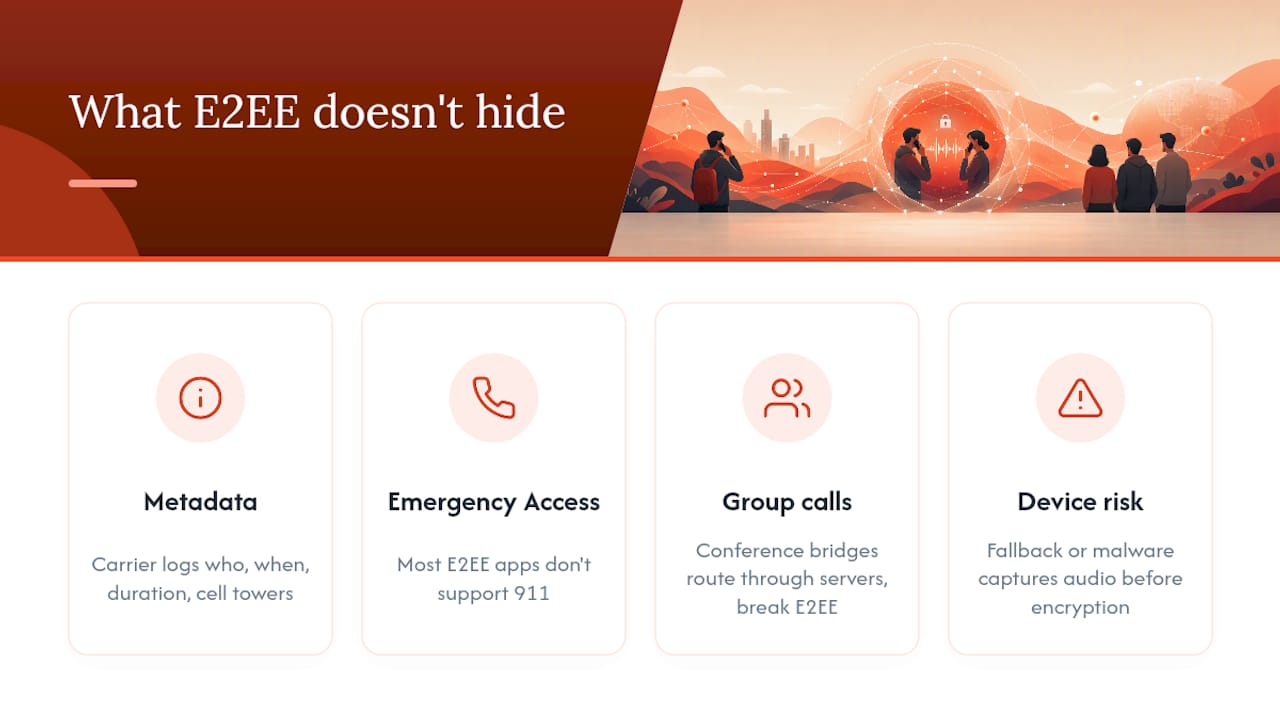
Metadata leaks regardless of encryption. Your carrier logs call records: who you called, when, how long the call lasted, and which cell towers were involved. App providers may log connection timestamps and IP addresses. This metadata can reveal sensitive patterns even when the content is perfectly encrypted.
Emergency services and lawful intercept. Encrypted VoIP calls through apps may not reliably reach 911. Most E2EE apps do not support emergency calling. If you rely on an E2EE app as your primary phone, you need a separate plan for emergencies. Lawful intercept requirements in the United States mean carriers must be able to provide call records to law enforcement under court order; E2EE apps that hold no keys cannot provide content, but metadata may still be accessible.
Group calls and conference bridges. Google Fi's E2EE does not apply to group calls, forwarded calls, or calls to unsupported countries. WhatsApp group calls use E2EE, but the complexity of multi-party key management increases the attack surface. Conference bridges that route through a server break E2EE entirely.
Downgrade attacks and device compromise. If an attacker can force your app to fall back to an unencrypted connection, your call content is exposed. A compromised device is worse: if malware has microphone access, encryption is irrelevant because the audio is captured before it is ever encrypted.
Which protocols secure your calls, and how do you verify the connection?
The protocol stack
Three layers of cryptography protect a typical E2EE voice call:
| Protocol | What it encrypts | Typical deployment | Verification available |
|---|---|---|---|
| Signal Protocol | End-to-end call content and keys | Signal, WhatsApp | Safety numbers / security codes |
| DTLS-SRTP | Media stream (audio/video packets) | Most VoIP apps | Fingerprint comparison |
| TLS / mTLS | Signaling and call setup | All VoIP systems | Certificate pinning |
The Signal Protocol handles the key exchange and message/call encryption at the application layer. It uses ephemeral keys — new keys generated for each session — so that a compromised key from one call cannot decrypt past or future calls. This property is called forward secrecy.
DTLS-SRTP encrypts the actual audio packets traveling across the network. ZRTP is an older alternative that also provides media encryption with a key agreement step that happens in-band during the call setup.
TLS secures the signaling channel — the part of the call where your app tells the server "I want to call this person." Without TLS on signaling, an attacker could intercept or modify call setup even if the media is encrypted. The OWASP TLS Cheat Sheet recommends enforcing HSTS and strict cipher configurations to prevent downgrade attacks on these signaling channels.
How to verify you're talking to the right person
Encryption alone does not prevent a man-in-the-middle (MITM) attack if an attacker substitutes their own keys during setup. Verification closes that gap:
- Safety numbers (Signal): A 60-digit code derived from both parties' public keys. Compare it with your contact via a separate channel — in person or by text. If it matches, no MITM is present.
- Security codes (WhatsApp): A numeric code or QR code you can compare to confirm E2EE. WhatsApp's verification process works the same way: scan each other's QR codes or read the numbers aloud.
- Emoji/fingerprint strings: Some apps display a short emoji sequence or fingerprint hash. Telegram uses cryptographic fingerprints for E2EE video calls to prevent MITM attacks.
- Discord's privacy codes: Discord's E2EE for audio and video shows a green lock and privacy codes for verification; E2EE becomes mandatory for many call types starting March 2, 2026.
- Threema IDs: Threema's E2EE calls use Threema IDs rather than phone numbers, reducing metadata exposure and supporting verification without disclosing personal contact details.
How organizations should enforce encrypted calling across a team
Deploying E2EE calls at scale requires policy, technical controls, and user training working together. Here is a practical rollout sequence:
- Define an approved-app policy. Document which apps are permitted for voice calls (e.g., Signal for external calls, a managed VoIP platform for internal). Specify minimum OS versions required to run those apps securely.
- Configure MDM (Mobile Device Management) to enforce the policy. Use your MDM platform (Jamf, Microsoft Intune, or equivalent) to push approved apps, block unapproved calling apps, and enforce device encryption and screen lock requirements.
- Control microphone and VoIP permissions. Use MDM app configuration profiles to grant microphone access only to approved calling apps. Restrict or disable native carrier voice for sensitive roles where E2EE is mandatory.
- Force VPN for signaling on untrusted networks. Require a managed VPN when employees use public Wi-Fi, so signaling traffic is protected even before the E2EE layer activates. Apply OWASP's TLS hardening recommendations to any server-side signaling infrastructure you control.
- Train users on verification. Run a short onboarding session showing staff how to compare safety numbers or security codes before a sensitive call. Document the verification steps in your security policy.
- Plan for emergency services. Publish a clear procedure: if an employee needs to call 911, they must use their native carrier dialer, not an E2EE app. This is non-optional and must be in writing.
- Establish incident response for suspected interception. Define what employees should do if they suspect a call was compromised: who to notify, how to preserve logs, and when to rotate keys or credentials.
- Audit and monitor compliance. Log which apps are installed and active on managed devices. Review MDM compliance reports monthly. Track whether users are completing verification steps for high-sensitivity calls.
Pro Tip: Design your calling policy so that encryption is the default and unencrypted calls require an explicit exception. Systems that require users to opt into security consistently underperform compared to systems where security is on by default and users must opt out. Force encryption; prevent downgrade.
The real priority most teams get wrong
Most organizations spend their energy picking the right app and almost none of it on verification. An encrypted call to the wrong person — or to someone whose device is compromised — is not a secure call. The app is the easy part. The hard part is building a culture where your team actually compares safety numbers before a sensitive conversation, knows what to do when the lock icon is missing, and has a documented fallback when an E2EE call is not possible.
For individuals, the calculus is simpler: install Signal, verify your contacts' safety numbers once, and use it for anything you would not want a stranger to overhear. The usability gap between Signal and a standard phone call is small enough that there is no practical reason not to use it.
For organizations, the escalation path is clear. Start with an approved-app policy and MDM enforcement. Add verification training. Then, if your risk profile demands it, move to a managed cellular platform that gives you centralized control over calling configurations, VPN enforcement, and audit logging across your entire device fleet.
Eisim helps your organization deploy secure mobile communications
Picking the right E2EE app is step one. Managing it across 50, 500, or 5,000 devices is a different challenge entirely.
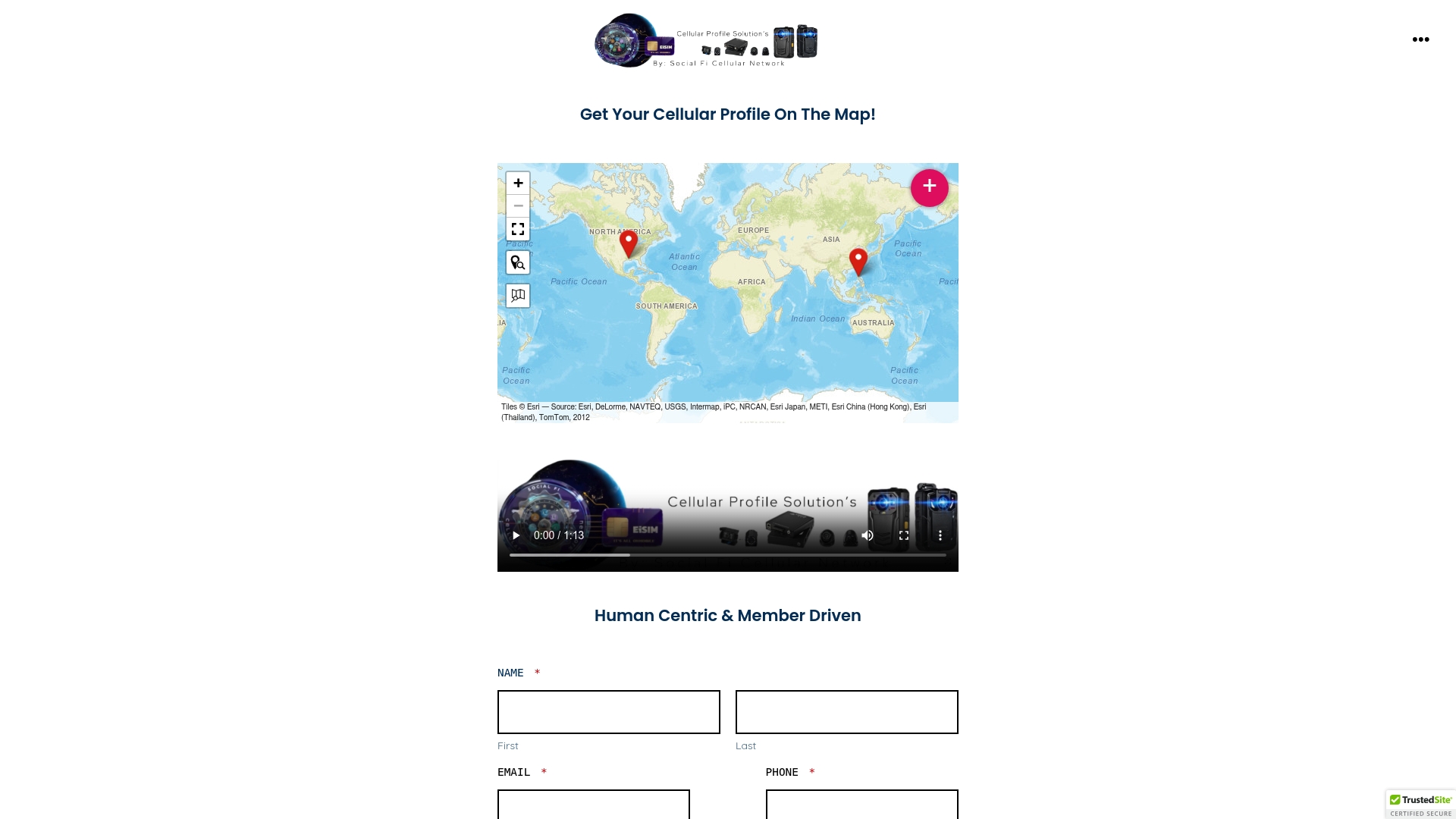
Eisim's cellular profile platform gives IT and operations teams a single place to configure approved calling apps, enforce VPN policies on managed devices, and audit compliance across your entire fleet. Instead of relying on individual employees to install the right app and enable the right settings, you push a verified configuration once and it applies everywhere. Eisim integrates cellular profiles, eSIM management, cloud storage, and CRM connectivity into one platform built for field teams, dispatch services, and organizations where secure voice communication is not optional.
Other valid routes exist: MDM-only deployments, carrier-managed solutions, and self-hosted VoIP platforms each have a place depending on your infrastructure. Eisim is the right fit when you need cellular-level control, not just app management, and when your teams operate in environments where connectivity and security have to work together without friction.
Ready to enforce encrypted calling across your team? Explore Eisim's cellular profile solutions and see how quickly a managed deployment can replace a patchwork of individual app installs. You can also visit the Eisim blog for deeper guidance on eSIM management, VPN integration, and secure mobile deployments for field teams.
Sources
- How to Communicate Securely on Your Mobile Device
- Secure calls with end-to-end encryption - Google Fi Wireless Help
- Secure calls with Fi - Google Fi Wireless
- About end-to-end encryption | WhatsApp Help Center
- How secure are Threema calls? – Threema
- End-to-End Encryption for Audio and Video – Discord
- Transport Layer Security (TLS) Cheat Sheet — OWASP